
For travel
Arc Trinity 14
Three times 14 inch. Folded 372 × 280 × 27 mm and 2.75 kg, the smallest size for hotels and client visits.
Three extra screens for your laptop
The Arc Trinity stands on its own stand behind your laptop. One USB-C cable connects the two, power comes from its own adapter.
Windows, macOS, Ubuntu, ChromeOS · with the DisplayLink program
Does it fit my laptop?
USB-C, USB-A or HDMI. Runs on Windows, macOS, Ubuntu and ChromeOS with the DisplayLink program.
Check your connectionStands on its own stand
Your laptop carries no weight. Nothing pulls on the lid.
Two cables, that is all
One to the laptop, one from the adapter to the socket.
Sizes
The setup is the same for all of them. You only decide how much screen you want and how much you like to carry.
For travel
Three times 14 inch. Folded 372 × 280 × 27 mm and 2.75 kg, the smallest size for hotels and client visits.
For the home office
Three times 16 inch. More room for spreadsheets and long documents, at home and in the office. From 3.4 kg.
For a fixed desk
Three times 18.5 inch in 16:9. The largest area, for long days at the same desk. From 4.4 kg.
16 and 18.5 inch also come in QHD, and there is an in-between size of 15.6 inch. All prices .
Places
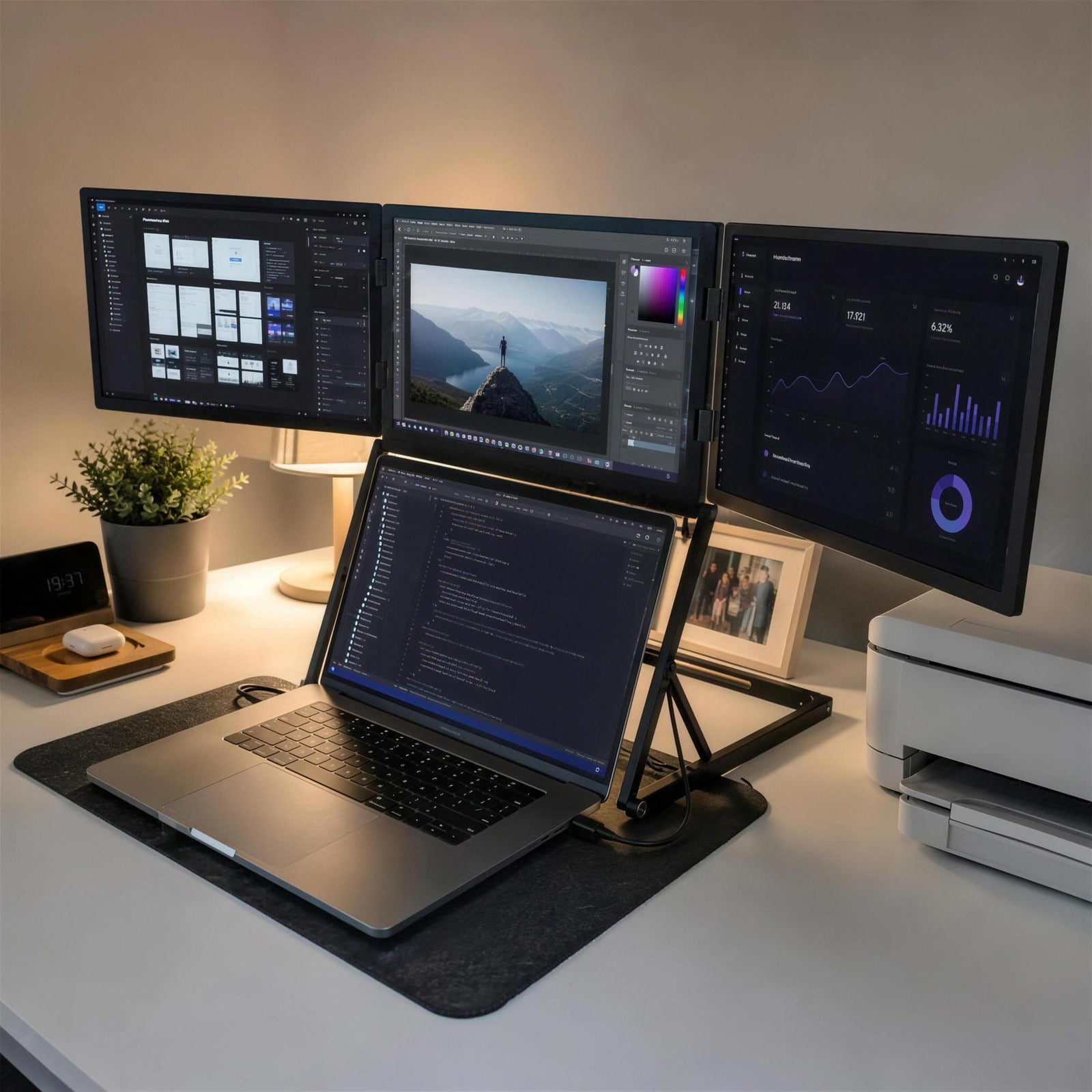
No room for a fixed monitor? Unfold in the morning, fold up in the evening. After that the table is yours again.
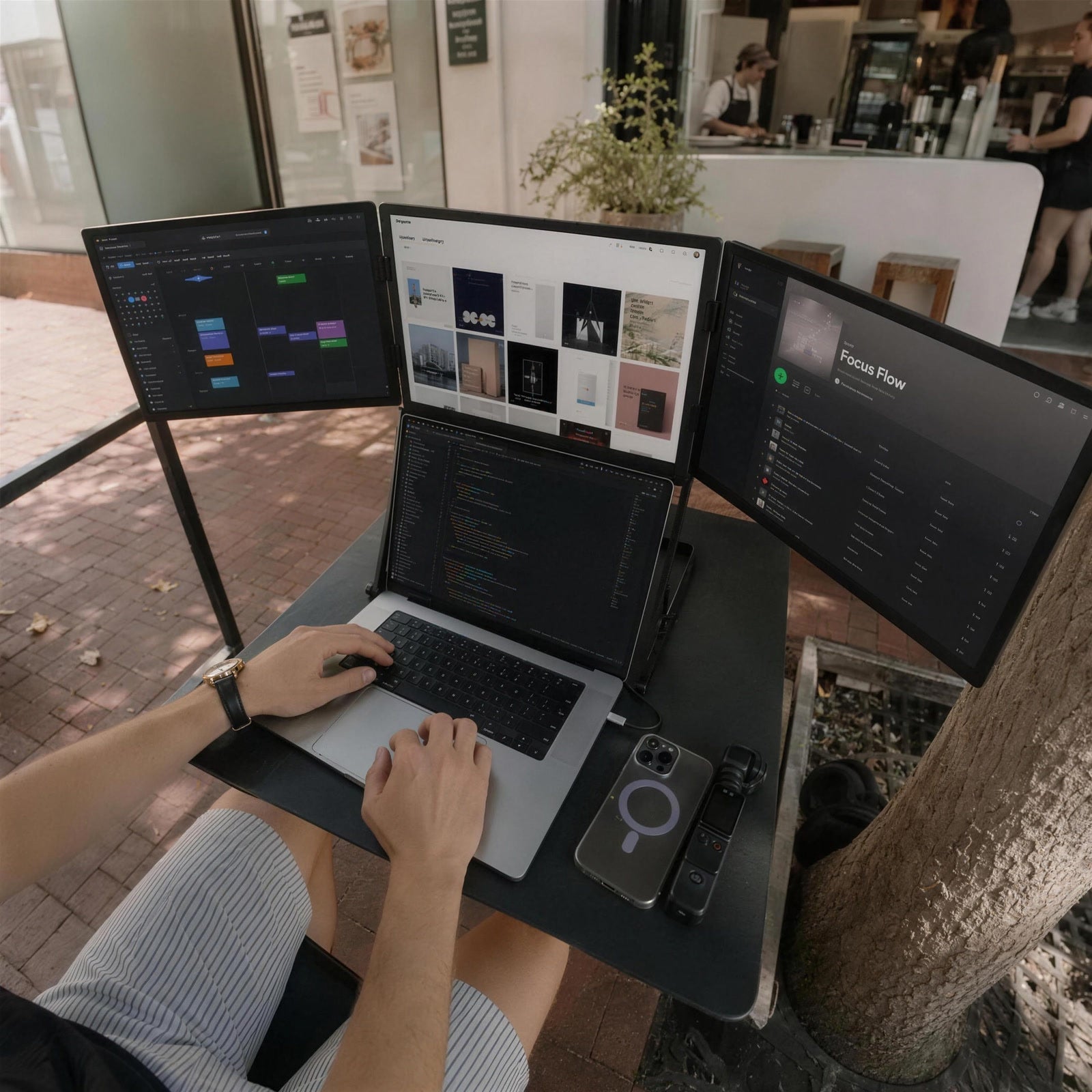
On the road you miss your office setup. Swing the sides towards you and you have everything in view.
About us
ArcSetups is a German company specialising in mobile screen setups. We measure ourselves by quality and by the satisfaction of our customers.
Free shippingVAT included in the price
14-day withdrawalYour statutory right applies
PayPal, Klarna, Apple PayOr simply by card
Questions?Write to us
Questions
There are three ways. The easiest is USB-C, if your port carries a picture. You can tell by the lightning bolt for Thunderbolt or the DisplayPort symbol next to the port. Otherwise you also need USB-A or HDMI on the laptop. Either way you need DisplayLink. It is a small program that you install once. It exists for Windows, macOS and Ubuntu, ChromeOS has it built in. MacBooks with the base chip drive only one or two extra screens by themselves. With DisplayLink all three run. On a company laptop you need the right to install programs.
A single USB-C cable runs to the laptop. The Arc Trinity gets its power from its own adapter, which is in the box. So the screens do not run on your laptop battery. You need a socket nearby.
Your laptop lid carries nothing. The Arc Trinity stands on its own metal folding stand behind the laptop. With clip-on screens the weight pulls the lid backwards. That does not happen here.
A small program, DisplayLink, once. Windows often fetches it by itself. On a Mac you install the DisplayLink Manager app and allow it screen recording in the system settings. Nothing is recorded. After that you just plug in.
Your question isn't here? Write to us and we'll reply personally.
Ask another questionArc Trinity
Three more screens for your laptop, in 14, 15.6, 16 or 18.5 inch.
·
